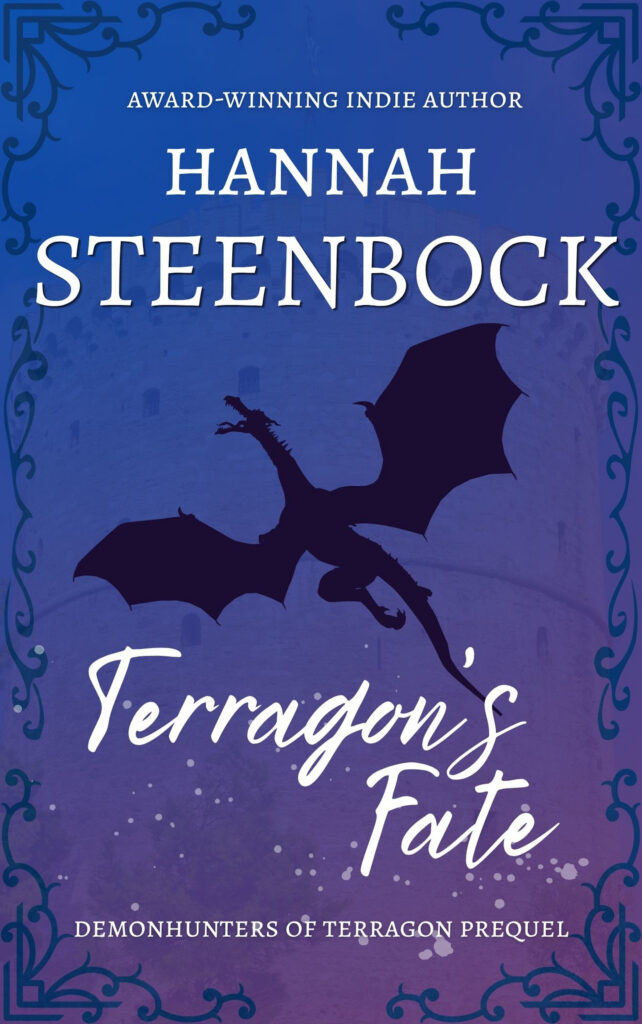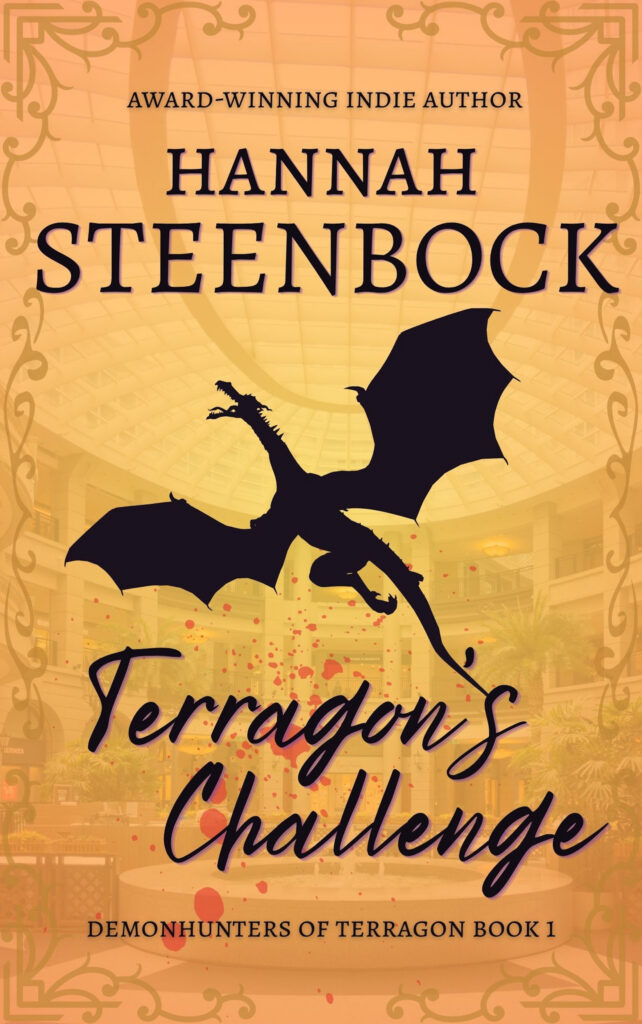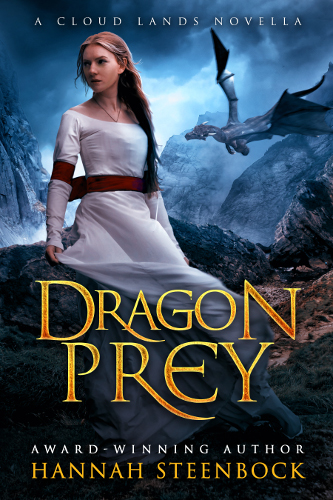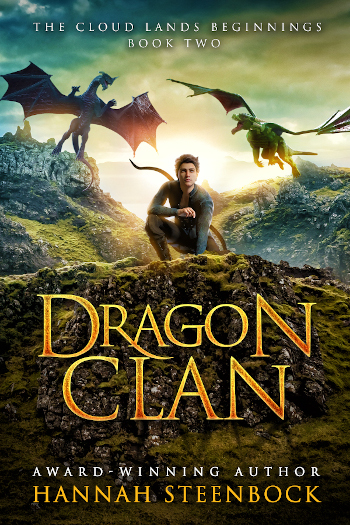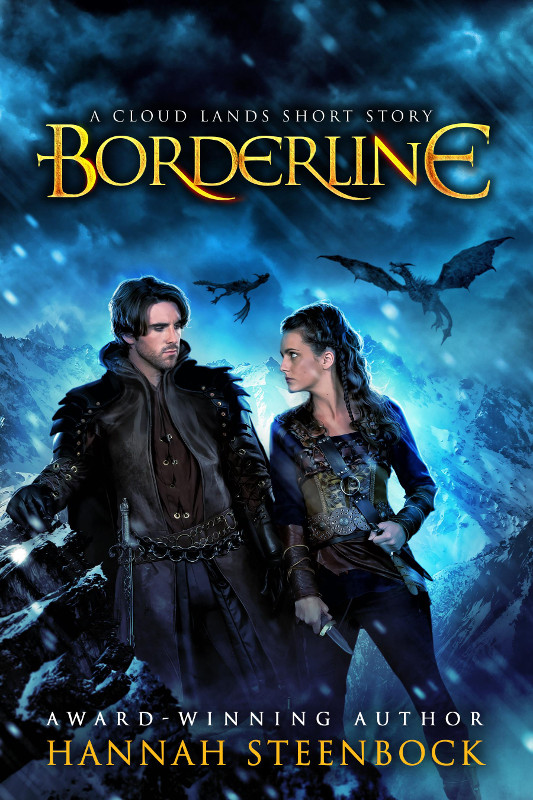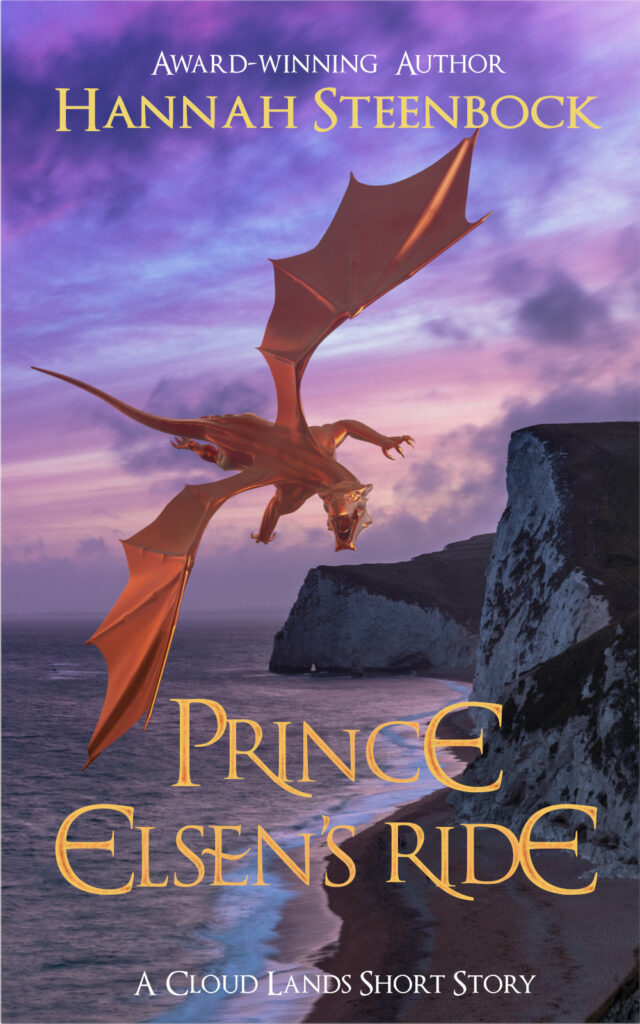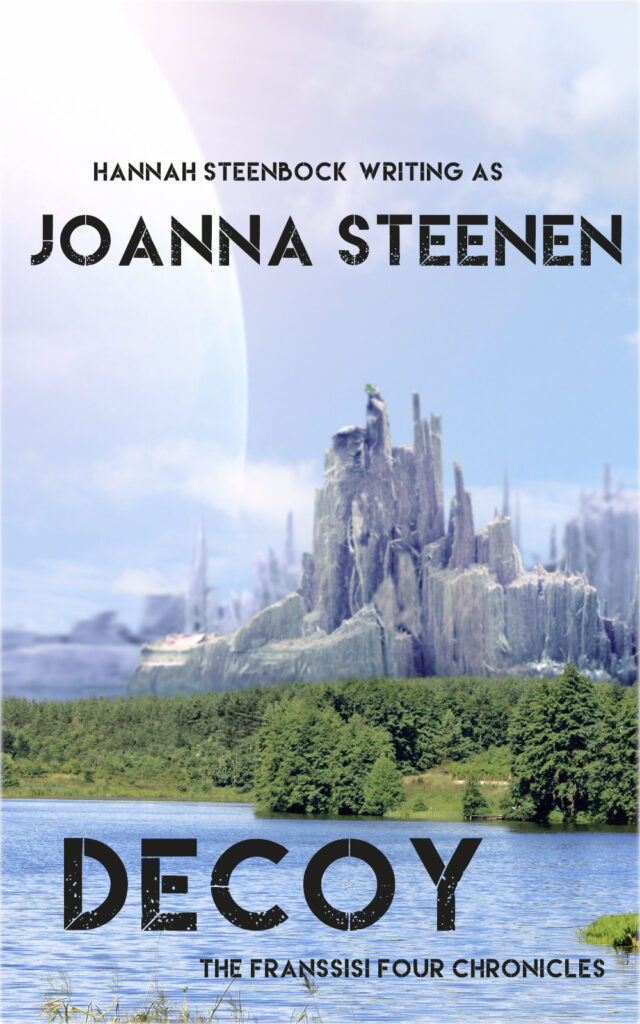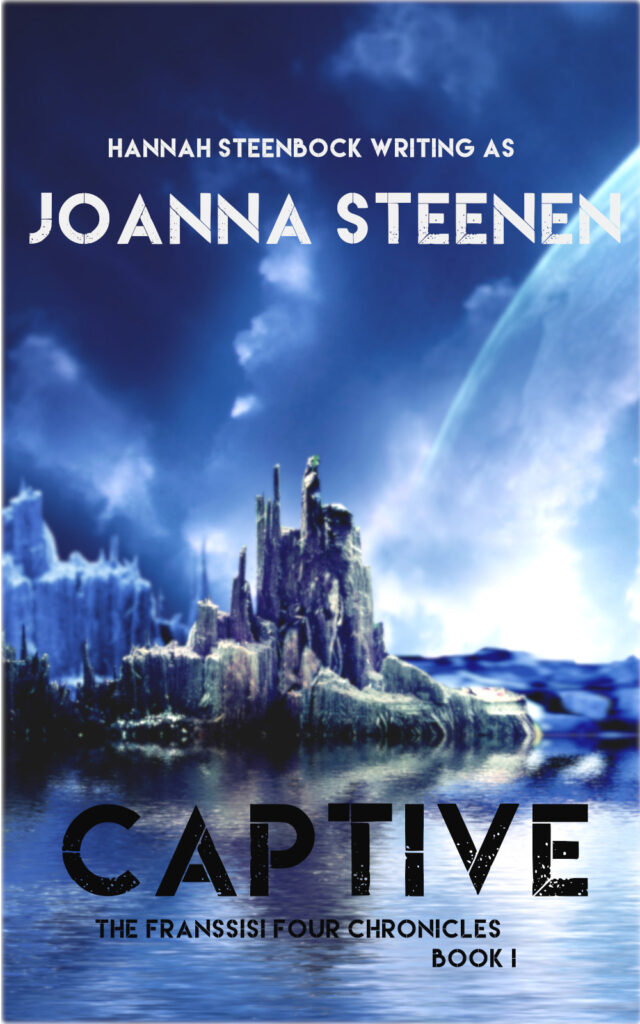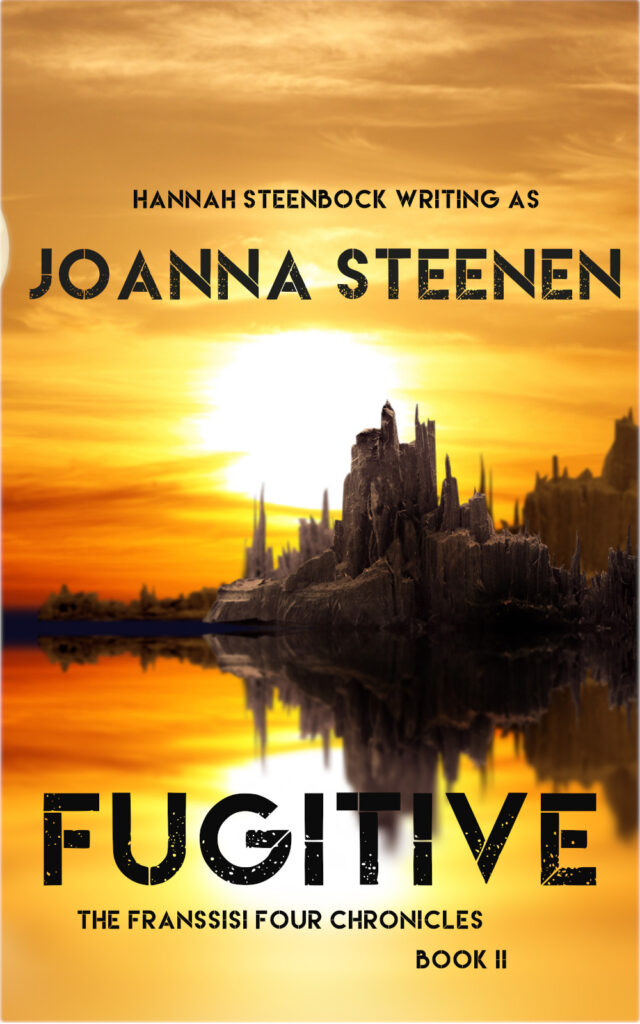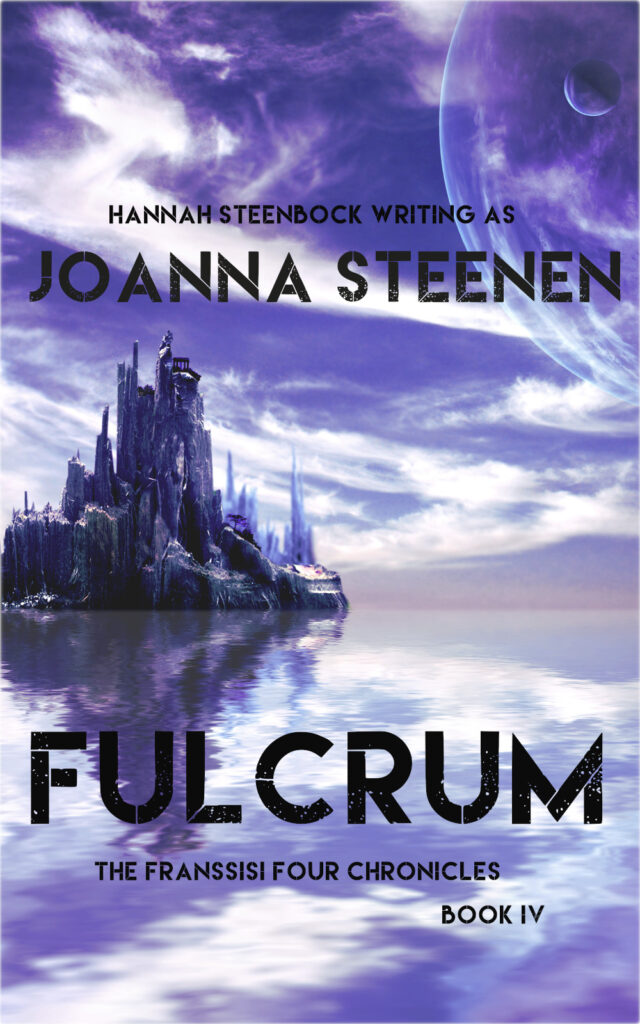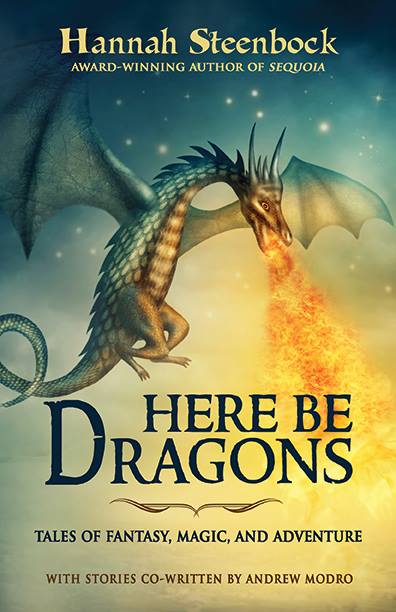
I have recently – almost by accident – developed a brand for my book covers that I actually love. It is quite reductionist, clear, readable and easy to make.
Today, I want to talk about how I switched out the cover of the second book I ever self-published, Pu’ukani’s Song.
The Covers, New and Old
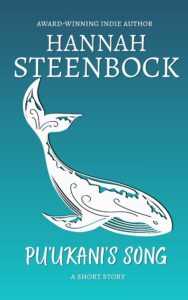
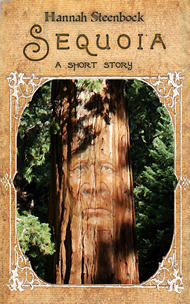
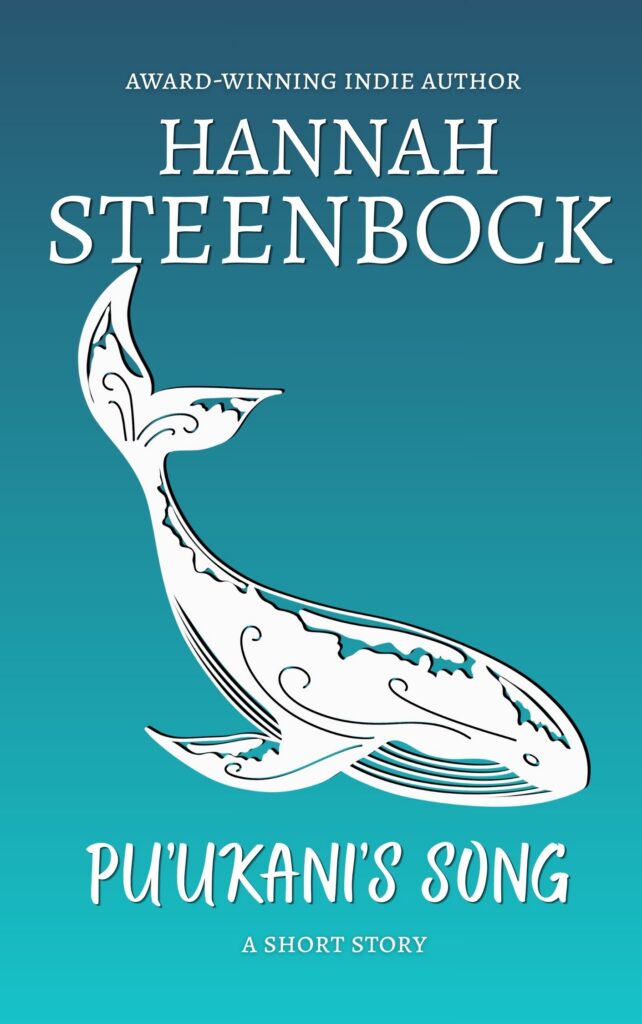
For comparison, I’m sharing both covers here, the new one on the left, the old one on the right.

The old one is from 2013, when I commissioned a company to format my short story and create a cover for it. That was the early days when there was nothing to help new indie authors play with graphics, let alone create epubs (or mobis). I felt very overwhelmed with Amazon’s interface, as well, and grateful for the support, even if it came at a cost.
The new cover comes through Canva, and I made it myself for no cost at all. That’s important, because poor Pu’ukani never earned back the investment from back then. Ever. And it took me maybe 30 minutes to create, with most of the time spent to find the graphic and arranging it.
Style Comparison
Well. The old cover is – in a word – fugly. Even back then, I wasn’t a fan of the garish yellow title and author name. The whole thing felt cobbled together and childish, but I had no better ideas, and definitely no better tools.
So I went along with it, in the hopes of having a book that people might adore. Alas, not many actually looked past the cover. (And honestly, this is the last time I’ll show *that* cover anywhere.)
The new cover is very simplistic. It basically consists of the turquoise gradient background, one single graphic, the author name and the title. And yes, I made it in Canva myself (so glad I finally mastered gradients!), and I have been using the same fonts for my author name across several covers now.
The graphic pulls the most weight, and I really hope that the style makes people read the description. I heavily used Hawaiian names in the book (because all characters are a fantasy mix of gray whales and humpback whales who live near Hawaii), and the graphic has that tribal feel that goes well with the story.
I also hope that my gradient evokes the feel of the sea under an equatorial sun. There is that turquoise gleam to it.
All in all, it is so much closer to the feel of the story than that old fluke. I cannot describe how glad I am to finally get rid of it.
Creating a Print Wrap with Canva
This is where it gets interesting.
You see, I published Pu’ukani both as ebook and print. And I haven’t really created a successful print wrap on my own yet. Until yesterday. (This actually held me back, or I would have replaced the cover much earlier.)
Making an ebook cover has become almost routine for me now, and I’ll use that for my lesser series and short stories from now on. The best part of it is that they just cost me time and creativity. When you’re not selling much (visibility is HARD), that does matter.
However, print is more complicated. The end result is a PDF that literally is printed to wrap around the book, so it has a front page, a back page and a spine. And the size of the spine depends on the number of pages in the printed book.
Well, I had the front cover in Canva, exactly what you see above.
Then I had the brilliant idea to copy the page in Canva, remove everything except the background and then set up a nice back page. It turned out looking like this:
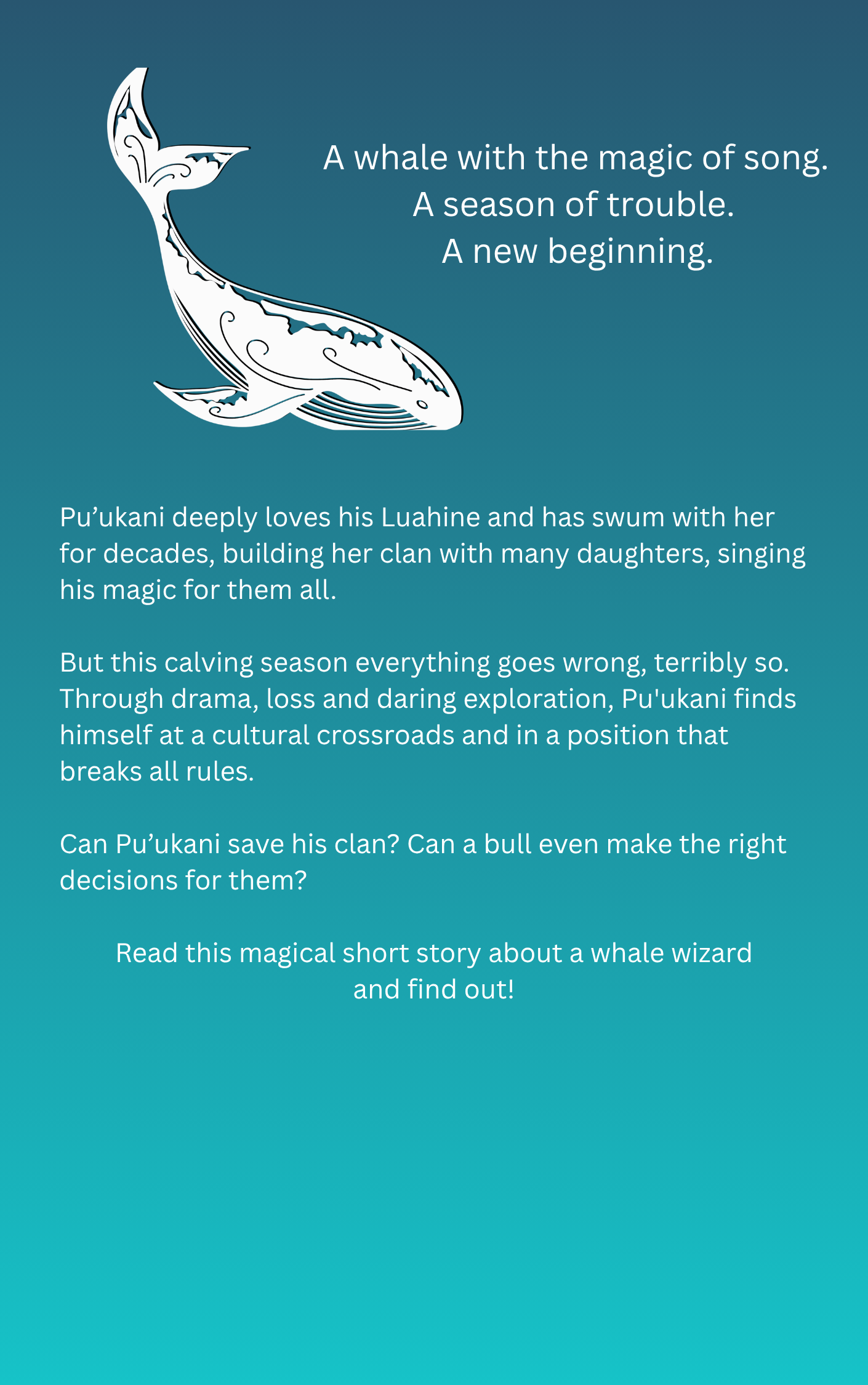
Yes, I grabbed the cover image and re-used it because I like it so much. Then I put the tag line on top, with a bigger font, to capture the eye.
The description is hard to read in this thumbnail, but that’s not really needed to sell it. It will be displayed better on Amazon.
The next step was to actually create a print wrap with those two images. And for that, I needed the KDP Cover Calculator.
That is a nifty online tool where you enter your book’s dimensions (trim size, kind of paper, bleed, number of pages etc., that you can see in the set-up on KDP) and they calculate the dimensions of the cover needed for that.
Yes, you need to have the print PDF all formatted and finished before you can take this step. So once you’re ready, you enter all that information into their online tool, and it gives you a template you can download and use in your graphics program. (I use GIMP.)
It was fairly easy to fill in the front and back pages (and make them big enough to fit), but then I had the spine left. Fortunately for me, Pu’ukani is just a short story and doesn’t have enough pages to be able to have any print on the spine.
So I just grabbed some gradient and filled it in. This is the end result:
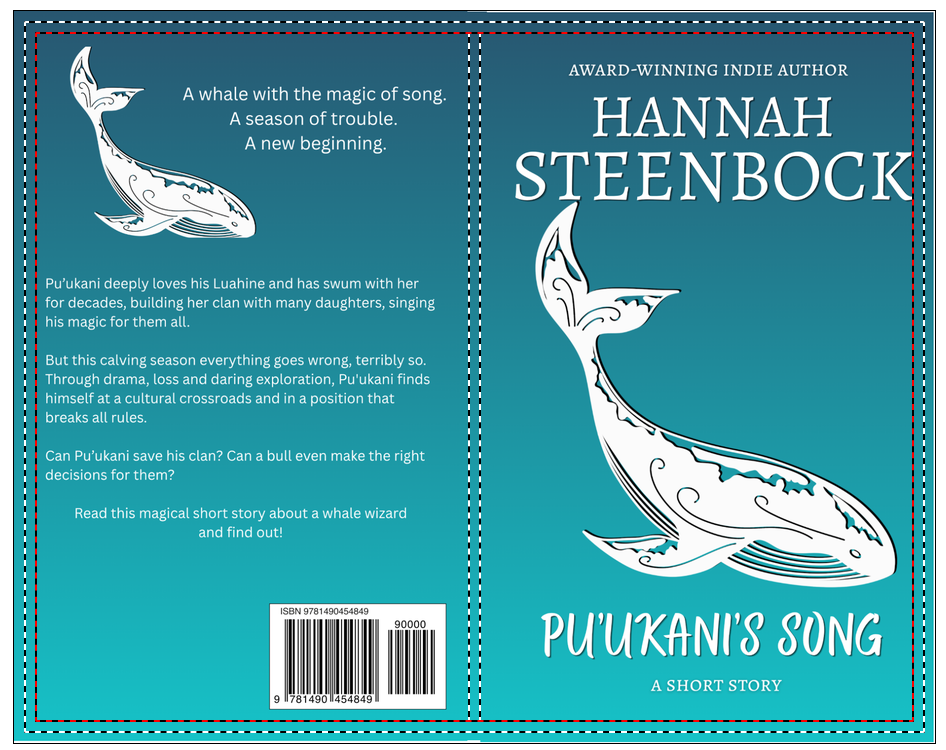
That’s a screenshot I took from Amazon when uploading the new cover. Now, this is not entirely perfect. I’m not happy how close the K of Steenbock is to the edge and I really should have tweaked that a little more. But I had run out of brainpower at that point. It’ll do.
For books with actual print on the spine, I’ll simply make a third page on Canva. That’s brilliant (even if I came up with the idea), because I can layer all that in GIMP, squash it all down when I’m done, and then export the PDF. (The GIMP file was 41MB for part of the process. Yikes!)
Final Thoughts
To be honest, I am relieved and elated.
I’m developing a brand. My covers are becoming recognizable and my author name is BIG. (Because yes, it IS the brand.)
I’m able to do simple covers myself that actually speak to my (admittedly Autistic) brain. Including print wraps. Yay!
It means I can increase my inventory without having to worry about covers when an idea strikes me. It’s so utterly freeing. I can write more short stories, I can publish them in English and German, without it all costing a mint. True freedom for an indie author who does everything herself.
Now I can only hope that the covers also appeal to my favorite readers – the ones who love my books.
And just in case it appeals to you, here’s the link to all stores again: Pu’ukani’s Song
Never miss a new release!
I do have a newsletter, one that only comes out once a month (and into which I squeeze all news). It has my news, it has some book bundles with deals, and it has the Ember Tale, a cute, cozy story about my little dragon familiar.
If that sounds good, sign up below!